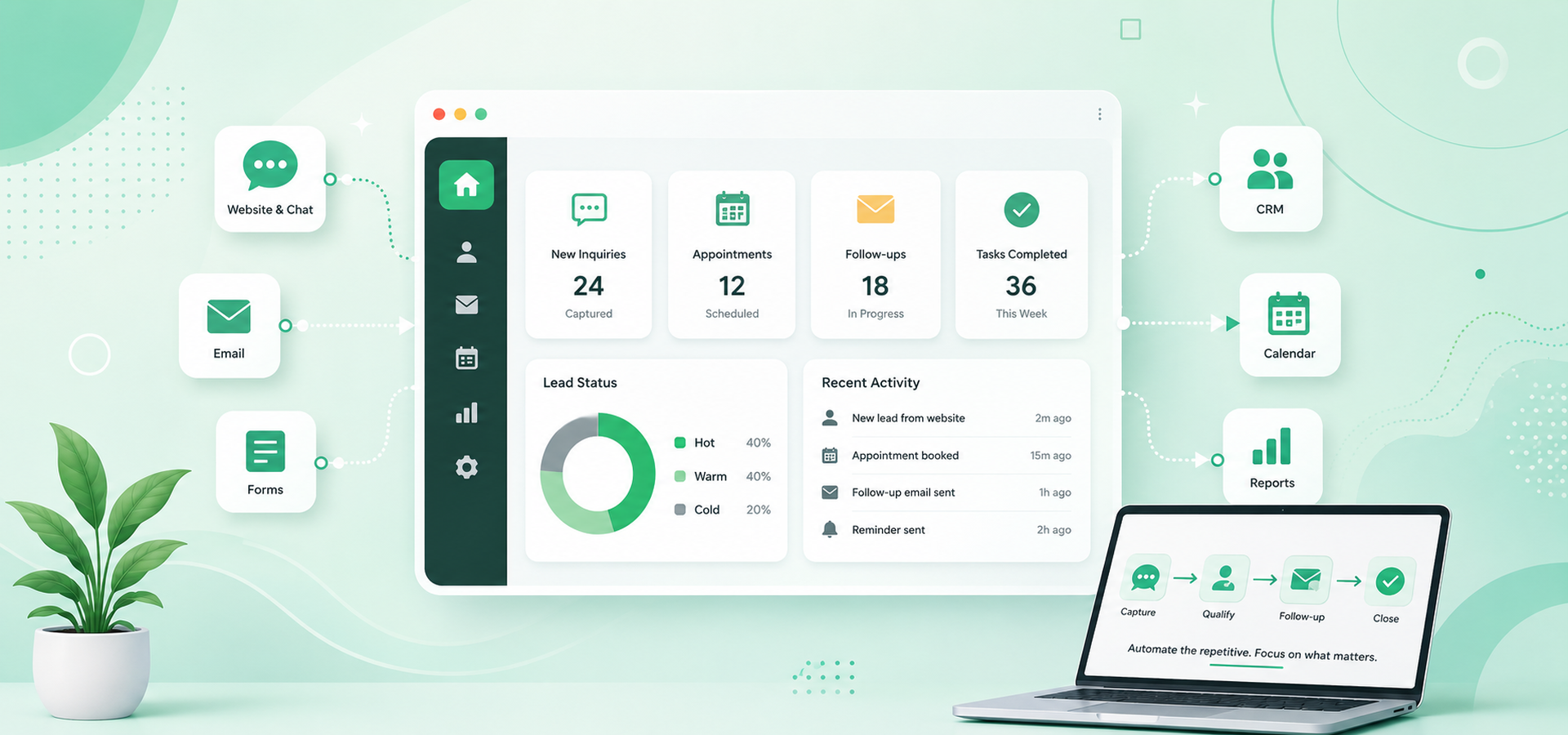
How AI Automation Helps Small Businesses
Freelancers, consultants, agencies, and small business owners often do not need more apps.
They need fewer repetitive tasks.
They answer inquiries, follow up with leads, prepare quotes, book calls, update records, send reminders, organize files, check emails, and still have to deliver the actual work clients are paying for.
AI automation helps by turning some of that repeat work into a system.
Not because it replaces the business owner. Not because every process needs to be handled by AI. But because many small businesses lose time on tasks that are important, repetitive, and easy to forget when things get busy.
Used properly, AI automation helps small businesses work like they have more support behind the scenes, even when the team is small.
AI automation is more than using ChatGPT
When people hear “AI,” they often think of opening ChatGPT and asking it to write something.
That can be useful, but AI automation goes further.
AI automation connects AI to the tools a business already uses, such as:
- contact forms
- calendars
- spreadsheets
- CRMs
- messaging apps
- booking tools
- project management systems
- customer support channels
Instead of using AI manually each time, the system can run automatically when something happens:
A visitor submits a form.
A lead books a call.
A customer sends a message.
An email arrives.
A task needs to be created.
A follow-up needs to be sent.
The automation receives the information, applies the business rules, and moves the process forward.
That is the difference between simply using an AI tool and building an AI-powered workflow.
What this looks like in practice
For a freelancer or small business, AI automation might look like this:
- a website assistant answering common questions before a visitor fills out a form
- a contact form that automatically logs the inquiry into a CRM
- an AI workflow that classifies whether a lead is Hot, Warm, or Cold
- a booking system that sends confirmation details and reminders
- an email workflow that drafts a personalized follow-up for review
- a finance tracker that logs expenses from messages, receipts, or emails
- a reporting workflow that summarizes what happened during the week or month
The important point is that the AI is not working alone.
It is connected to the business process.
The value comes from combining AI with the tools, rules, and follow-up steps that already matter to the business.
It saves time on repetitive admin work
Small businesses often spend too much time on tasks that are necessary but repetitive.
For example:
- copying form submissions into a spreadsheet
- checking whether a message is a real inquiry
- sending the same basic response again and again
- reminding leads about upcoming calls
- logging expenses or transactions
- summarizing information before a meeting
- following up with people who have not replied
These tasks matter. But they do not always require the owner’s direct attention from start to finish.
AI automation can take the first pass.
It can read the inquiry, classify the message, store the details, prepare a response, send a notification, or create the next step in the workflow.
The owner still stays in control, but the system reduces the amount of manual work needed to keep things moving.
It helps businesses respond faster
Speed matters when someone is already interested.
A potential client who fills out a contact form may still be comparing providers. A visitor who asks a question on the website may leave if they do not get an answer. A warm lead may cool down if the follow-up takes too long.
AI automation can help by responding while the person is still engaged.
For example, a website AI assistant can answer common service questions immediately. A CRM workflow can send an acknowledgment email after a form submission. A booking automation can confirm the appointment and send pre-call details. A lead follow-up system can remind the business owner when a high-intent lead needs attention.
This does not mean every response should be fully automated.
It means the first layer of response can happen quickly, while the human handles the parts that require judgment, trust, and personal conversation.
It creates a more consistent client experience
A common problem in small businesses is inconsistency.
One lead gets a quick reply. Another waits two days. One client gets a detailed onboarding message. Another only receives a short email. One inquiry is logged properly. Another is forgotten in the inbox.
This usually happens not because the owner does not care, but because the owner is busy.
Automation helps make the process more consistent.
The same important steps can happen every time:
- the inquiry is captured
- the lead is logged
- the message is reviewed or classified
- the right follow-up is sent
- the booking details are confirmed
- reminders are scheduled
- internal notes are prepared
Consistency is valuable because it makes a small business feel more organized and reliable.
The client may not see the entire system behind the scenes, but they feel the result: faster replies, clearer next steps, and fewer dropped details.
It helps small teams look more organized
Large companies often have dedicated people for sales, support, admin, scheduling, operations, and reporting.
Freelancers and small businesses usually do not.
AI automation can help fill some of those operational gaps.
A small business can have:
- a website assistant answering common questions
- a lead capture system organizing inquiries
- a booking workflow sending confirmations and reminders
- a CRM tracking who needs follow-up
- an email workflow drafting replies for review
- a reporting workflow summarizing activity
This does not turn a one-person business into a large company.
But it does create structure.
The business owner can spend less time remembering every small task and more time focusing on the work that actually needs their expertise.
It supports better decisions
AI automation is not only about doing tasks faster.
It can also help organize information so the business owner can make better decisions.
For example, a lead qualification workflow can identify whether an inquiry is Hot, Warm, or Cold. A finance tracker can summarize spending patterns. A CRM can show which leads have booked calls, which ones need follow-up, and which ones have gone inactive.
This matters because small business decisions are often made from scattered information.
Some details are in email. Some are in chat. Some are in a spreadsheet. Some are in memory.
Automation can bring those details into one place.
When the information is organized, the owner can see what is happening more clearly.
Human handoff still matters
Good AI automation does not remove the human from the business.
It protects the human’s time.
There are still situations where the owner should step in:
- a lead has a complex project
- a client asks about pricing or scope
- the AI is not confident
- the message is sensitive
- a personal relationship matters
- a final decision needs human judgment
his is why human handoff is important.
The best systems do not pretend AI can handle everything. They use AI for the repetitive, structured, and first-response work, then bring in the human when the conversation becomes important.
For small businesses, that balance is usually the safest and most practical approach.
Where small businesses should start
The best place to start is not always the most advanced automation.
It is usually the most repetitive process.
A good first automation might be:
- contact form follow-up
- appointment booking confirmation
- lead capture and CRM logging
- customer inquiry classification
- invoice or payment reminders
- basic support question handling
- internal task creation
- simple reporting
The key question is:
“What process keeps repeating, takes time, and follows a fairly predictable pattern?”
That is usually a good automation candidate.
Once that process is working reliably, the business can improve it or connect it to the next step.
A practical example
On my own portfolio website, AI automation is part of the site experience itself.
Visitors can use the live AI assistant to ask service questions, find booking links, and send messages for follow-up. Behind the scenes, lead capture and CRM workflows help organize inquiries, booking details, follow-ups, and pre-discovery information.
This means the website is not only describing automation.
It is using automation.
That is the kind of practical system small businesses can start building: not a complicated “AI transformation” project, but a focused workflow that saves time, improves response speed, and keeps important details from falling through the cracks.
Final thought
AI automation helps freelancers and small businesses by giving them more operational support without needing to hire a larger team immediately.
It can save time, improve response speed, organize information, support follow-up, and create a more consistent client experience.
But the best use of AI automation is not to replace the business owner.
It is to give the business owner more space to focus on the work that actually needs their judgment, creativity, and relationship-building.
If your business has a process that repeats every day or every week, that is usually the best place to start. A focused automation does not need to replace your whole workflow. It just needs to remove one bottleneck, make one process more consistent, or give you back time you are currently losing to manual work.